VPN Step 2
Login to VPN
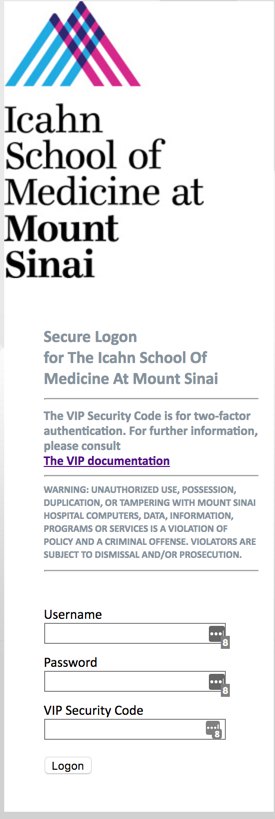
1. Click the appropriate link to launch the VPN Portal:
1a. msvpn.mssm.edu: for School Employees who have an @mssm.edu email address.
1b. msvpn.mountsinai.org: for Hospital Employees who have a @mountsinai.org email address.
2. Enter your Network ID as your Username.
3. Enter your Network password.
4. Launch the VIP Access app on your mobile phone.
5. Type in the cycling, 6 digit Security Code for the field labeled “VIP Security Code”. This will change every 60 seconds.
6. Click “Logon”.
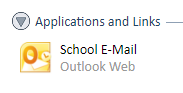
7. You will be directed to a webpage that offers a link to Webmail. Click this icon in that window to access your mail.